Alert after N Times


Alert after N Times |
|
|
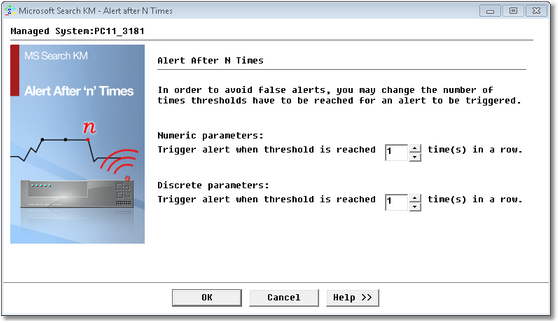
Microsoft Search KM for PATROL offers a global advanced alert setting in order to prevent false alerts. You can now set/modify the number of times thresholds can be breached before triggering an alert. This advanced alert setting, commonly known as "Alert after n times" is accessible by right-clicking the main Microsoft Search KM instance > KM Commands > KM Settings > Alert after N Times…
Alerts After N Times Parameters Microsoft Search KM for PATROL parameters can be categorized in two main groups: •Numeric parameters: Parameters that have numeric values. •Discrete parameters: Parameters that have values such as 0=OK, 1=Degraded/Predicted Failure, 2 = Failed etc. These parameters display the status of the component. By setting or changing the number of times a threshold can be breached before it triggers an alert – you can avoid unnecessary false alerts. This is a "global" setting, and applies to the parameters of all the monitored components of the system. See Also |