Restore Component Monitoring


Restore Component Monitoring |
|
|
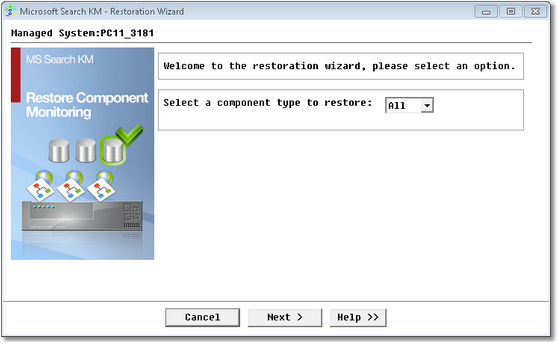
It is possible to restore component monitoring with Microsoft Search KM for PATROL after it has been removed from monitoring through the Remove option. To see the list of the removed objects or to restore a component monitoring: 1.Right-click the Microsoft Search instance > KM commands > KM Settings > Restore Component Monitoring. The first step of the procedure consists in selecting all or a specific component to restore. Click Next to continue.
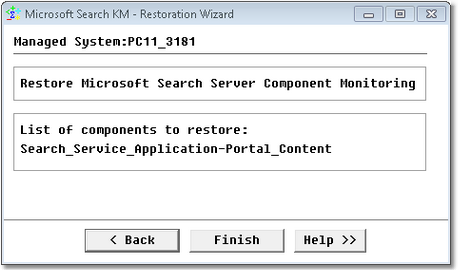
Restore Component Monitoring — Selecting all 2.If All is selected, the list of all components that had been removed and that will be restored is displayed. Click Finish to restore all the listed components.
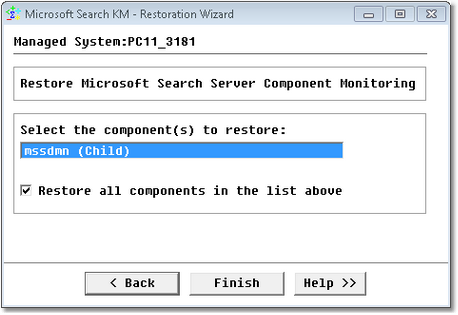
Restore Component Monitoring — List of all components However, if a component is selected, a list is displayed to enable the selection of a specific component. Click Next to continue. 3.Select one or several specific components or select the option Restore all components and sensors in the list above, and click Finish.
Restore Component Monitoring — Specific components
|