Monitoring the Windows EventLog


|
Monitoring the Windows EventLog |
|
|
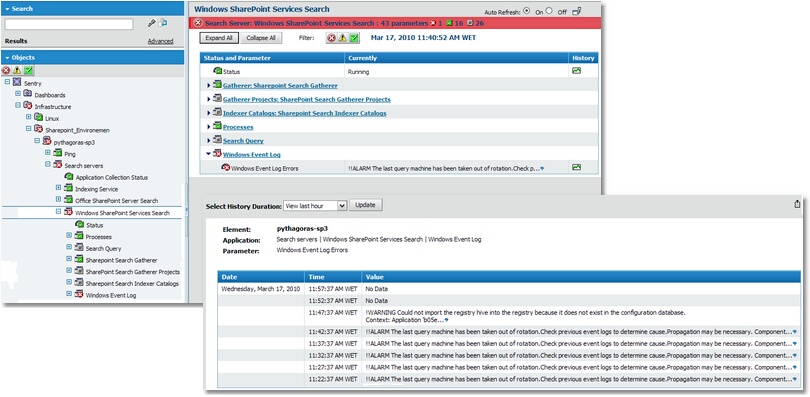
BMC Performance Manager Express for Microsoft Search monitors the Windows Event Log for events related to the Indexing Services. An alert is triggered when a problem is detected in the Windows Event Log. To display a list of all Windows Event Log Errors:
Alert Thresholds: Depending on the type of environment, and whenever possible, alert thresholds are automatically set by BMC Performance Manager Express for Microsoft Search. When the parameter value breaches these thresholds, the parameter's icon changes to notify the alert. To learn more about thresholds management, please refer to Modifying Parameter Thresholds section. |