Thresholds


|
Thresholds |
|
|
The thresholds of most of the parameters can be set to trigger an alarm according to the user needs through the Configure tab > Edit Thresholds.
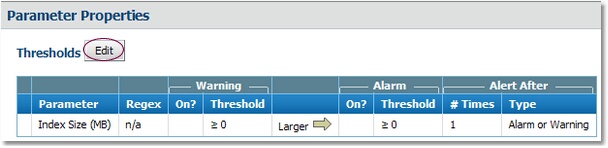
or To modify the thresholds of a particular parameter, click the parameter icon > Thresholds, Properties and Credentials > Edit.
Thresholds, Properties and Credentials Click Edit to modify the thresholds
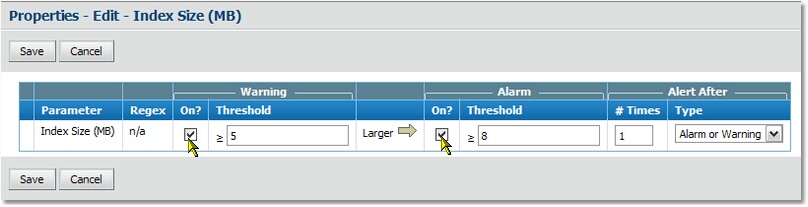
Modifying threshold values
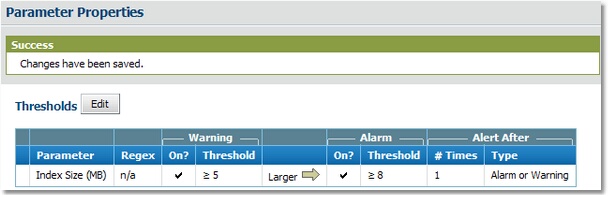
Manually modify the thresholds on the parameter and activate the alerts
Alerts are displayed by the parameter whose thresholds are modified. |