Blackout Representation in the PATROL Console


|
Blackout Representation in the PATROL Console |
|
|
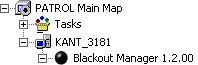
Blackout KM for PATROL is displayed in the PATROL Console as any Knowledge Module for PATROL. An instance is created under your monitored system icon, called "Blackout Manager <version number>, as shown in the picture below:
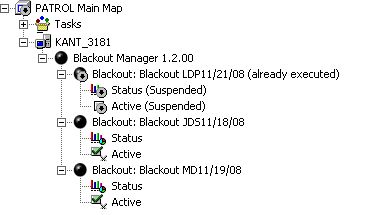
The main blackout options, such as creating a new blackout or turning on the debug mode, are accessed by right-clicking the Blackout Manager instance and selecting "KM Commands" from the pop-up menu. Each new blackout schedule creates an instance under the "Blackout Manager" icon, providing an easy way to check the blackouts planned for the current monitored system. Options for each blackout are accessed by right-clicking a blackout. There are no limitations on the number of blackout for a monitored system.
|