Planning a Blackout


|
Planning a Blackout |
|
|
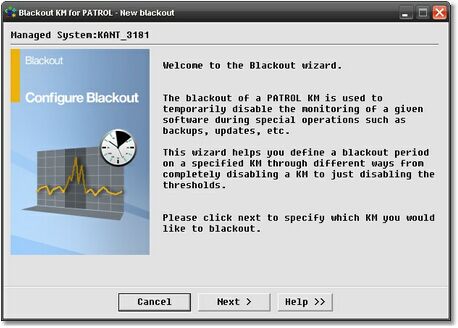
Planning a Blackout is done from a PATROL Console through an sequential interface. A blackout wizard guides you through the seven steps needed to provide the planning information. The Blackout wizard allows you to set up a Blackout by helping you to select the period of time during which the blackout will run, the PATROL objects whose monitoring will be paused as well as the type of blackout that will be used. The Blackout wizard is launched by right-clicking the Blackout Manager in the PATROL Console and selecting New blackout… The panel below welcomes you to the Blackout wizard.
Click Next to continue.
|