Execute an OS Command


Execute an OS Command |
|
|
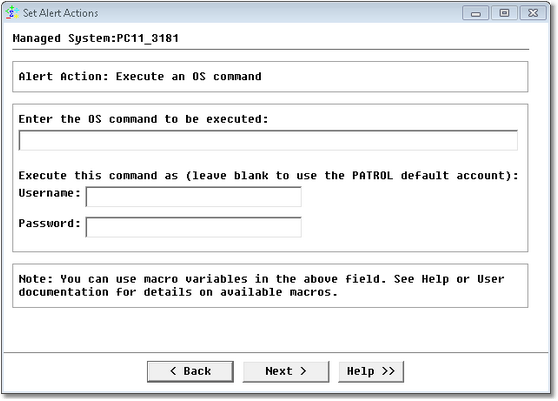
If you select the Execute an OS command action:
Editing Alert Actions — Alert Action: Execute an OS Command •Enter a command line to be executed •Enter the username and password used to run the command. The command can be a program utility or a script shell, and can have arguments.
|