Identifying Most Busy LUNs


Identifying Most Busy LUNs |
|
|
To identify the LUNs that generate the most traffic on the disk array, use the Read Byte Rate and Write Byte Rate parameters of the LUN class that expose the data throughput for each LUN. Use these parameters to report on the total data traffic (per hour or per day) on each LUN in GB.
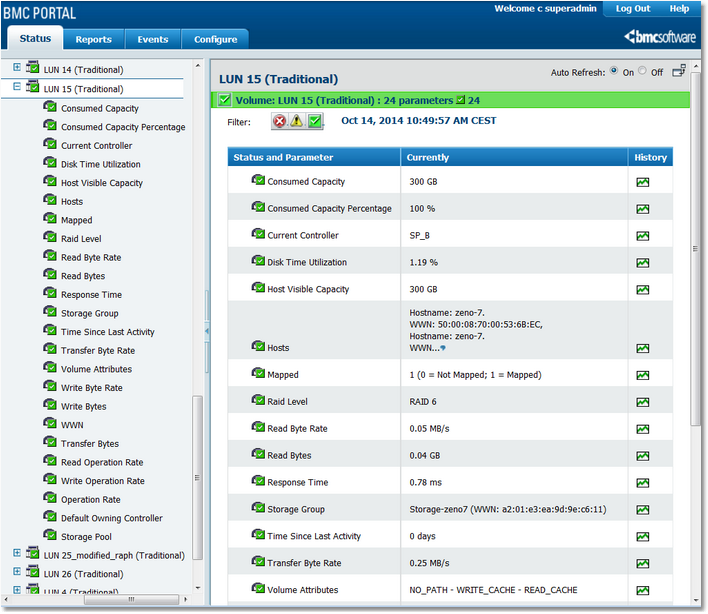
1.In the Status tab, click the Volume for which you need to check the LUNs activity, then expand the LUNs object to display the Read/Write Byte Rate parameters.
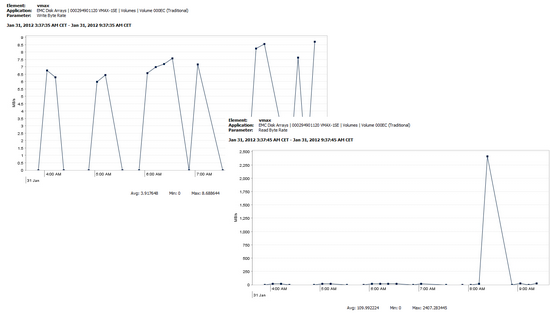
Selecting a LUNs Read/Write Byte Rate Parameter 2.Click the History icon to automatically display a graph that shows the Read/Write Byte Rate values collected for a selected parameter during the previous six hours. You can customize the chart and table to show parameter history for different time periods.
Viewing a LUNs Read/Write Byte Rate as a graph |