Configuring Dell Compellent Enterprise Manager


Configuring Dell Compellent Enterprise Manager |
|
|
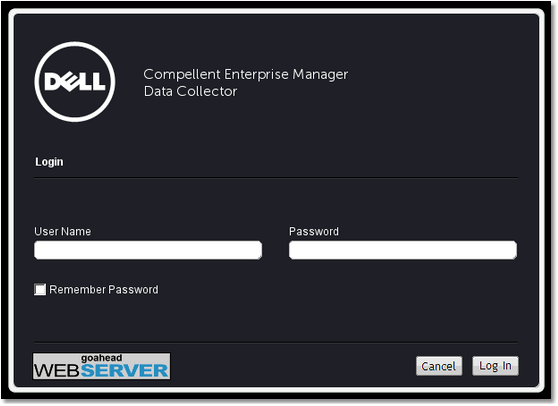
1.On the desktop, double-click the Enterprise Data Collector Manager shortcut. The Login to Data Collector window appears.
Configuring Enterprise Manager Data Collector - Login Page 2.Enter your credentials and click Log In. 3.From Dell Compellent Enterprise Manager, you can: ▪Add Enterprise Manager users ▪Add Storage Center volumes ▪Add servers to Storage Centers ▪Add FluidFS clusters to Enterprise Manager ▪Configure email notifications ▪Set up remote Storage Centers and QoS ▪Configure replications and Live Volumes ▪Predefine your disaster recovery plan.
|