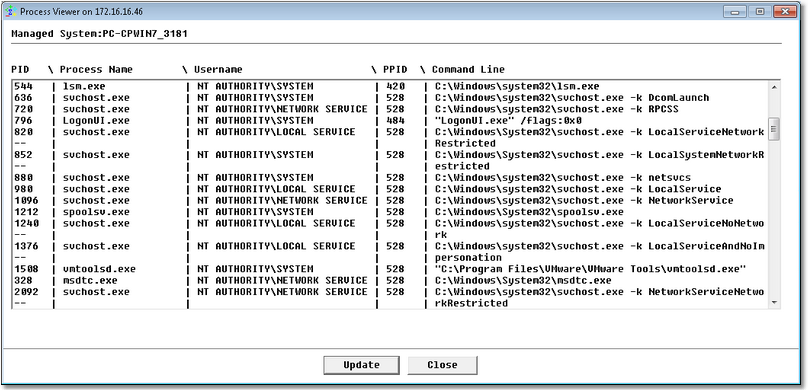
Visualizing Currently Running Processes


Visualizing Currently Running Processes |
|
|
The Process Viewer tool displays all the processes that are currently seen by Monitoring Studio as well as their characteristics to help you monitor them in the most efficient way. To access the Process Viewer tool:
Process Viewer
See Also
|