Stop an Application


Stop an Application |
|
|
It is possible to stop an application that you are monitoring by using the Application/Container icon> KM commands > Manage > Stop the application command menu. This runs the command line entered in the Start--Stop option of the New/Edit Application icons (container) wizard. If no stopping command line is provided, the following message pops-up:
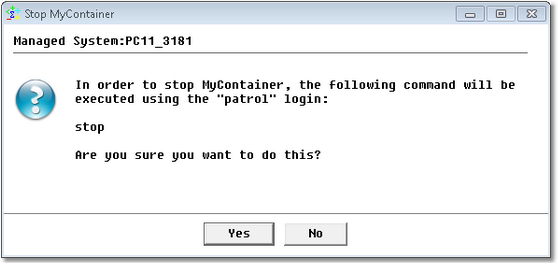
Stop the Application Confirmation Message If the execution of the Stop application command is confirmed, a window comes up with the output of the command being executed.
|