|
Administrators can use the File Viewer Tool to check the content of a file that is being monitored:
| 1. | Right-click on the main Monitoring Studio icon > KM commands > Tools > File Viewer. |
| 2. | Specify the visualization options: |
| • | File path: path of the file that you wish to visualize. |
| • | Show me: The first/last: X KB: Indicate the part of the file that you wish to visualize |
| • | Only lines matching with (RegExp): Enter a regular expression and only the lines matching this regular expression are displayed in the File content field. |
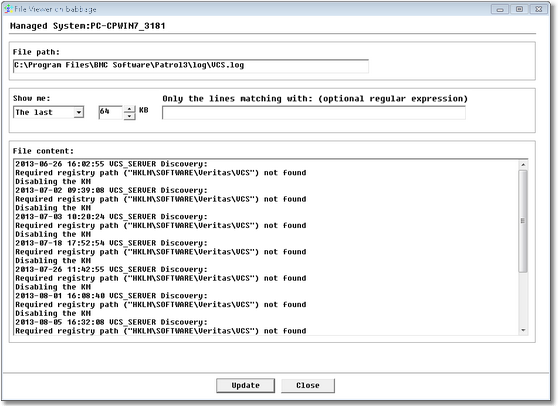
File Viewer
| 3. | Click Update. The file content is now displayed. |
|


