Configuring Global Advanced Variables


Configuring Global Advanced Variables |
|
|
Advanced configuration variables are used to manually set variables that are normally not available through the standard interface.
To configure a variable
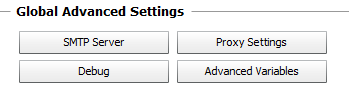
Configuring Global Advanced Settings
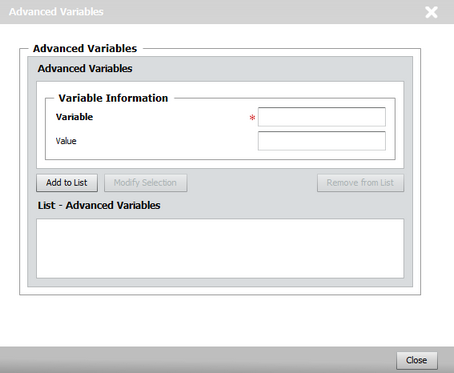
Configuring Advanced Variables
You can easily modify or remove a variable by selecting it in the list and clicking either the Modify Selection or the Remove from List buttons. See Also |