|
Once you have added the Hosts to be monitored, you can decide to add an optional container that will be displayed under the Hosts instance in the PATROL tree view: the Monitor Group.
The Monitor Group offers you a higher level of classification. Thanks to this additional container, you can keep Monitors together, organize, and arrange them.
To add a monitor group
| 1. | In the PATROL Console, right-click the Host icon and select KM Commands > New > Monitor Group... |
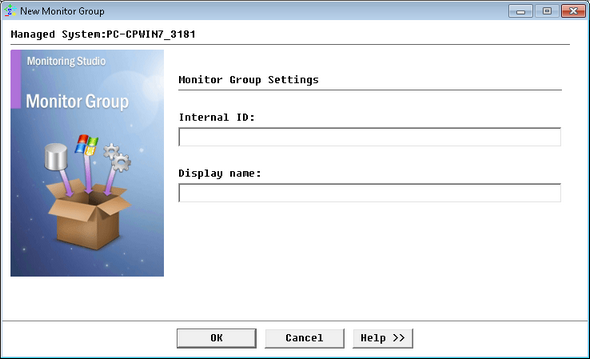
Adding a Monitor Group - Monitor Group Settings
| ▪ | PATROL internal identifier (Internal ID field) |
| ▪ | label to be displayed in the PATROL console (Display name field) |
Your Monitor Group has been successfully created. You can now specify the Monitors to use.
| 

