Visualizing Running Processes


Visualizing Running Processes |
|
|
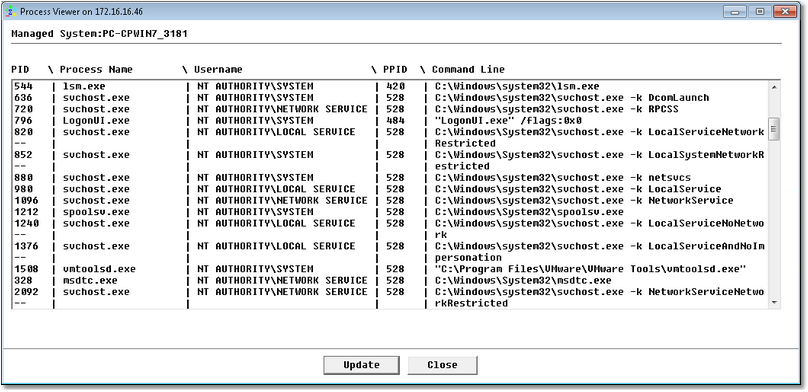
The Process Viewer tool displays all the processes that are currently running on a host as well as their characteristics to help you monitor them in the most efficient way. To access the Process Viewer tool:
Process Viewer
|