Monitoring Connectors


|
Monitoring Connectors |
|
|
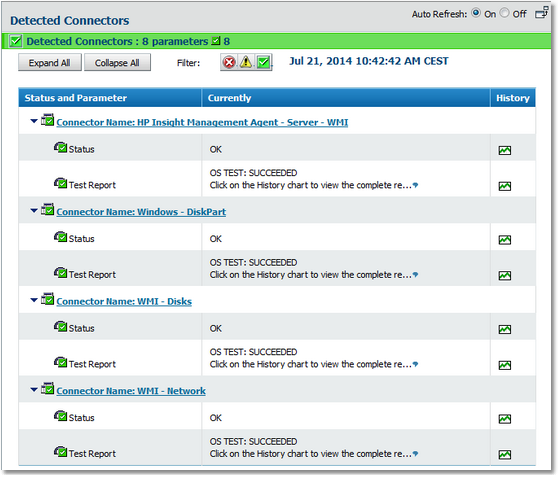
When a BPM Express for Hardware connector has been detected as applicable to the current platform, a corresponding instance is created under Infrastructure > Element > Hardware (<platform>) > Detected Connectors and its status is monitored regularly to ensure that the underlying technology is still available.
Monitoring connectors This connector monitoring mechanism helps administrators detect hardware agent failures. It provides a higher monitoring accuracy by not confusing errors encountered by devices with errors caused due to failure of the monitoring tool. The parameters for the connector monitoring class are: ●Test Report: This parameter describes the tests run to evaluate the availability of the technologies used by this connector to monitor the system. ●Status: This parameter displays the overall status of the connector and it is this parameter that triggers the alerts if any of the parameters of the class breach their thresholds. Related Topics Modifying Parameters Thresholds
|