Monitoring with BPM Express for Hardware


|
Monitoring with BPM Express for Hardware |
|
|
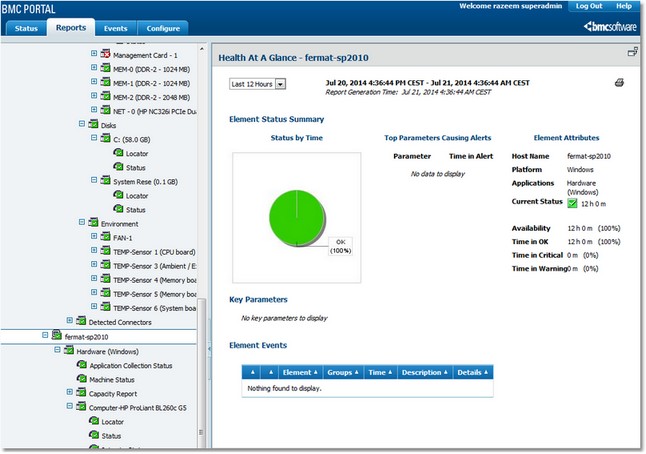
Once BPM Express for Hardware is installed on the elements, after having ensured that all pre-requisites are met, the hardware information is displayed automatically in Portal interface under: Element > Hardware (<platform-type>) as shown below. Monitored components Depending on the managed system, BPM Express for Hardware monitors: ●Batteries ●Blades ●Capacity ●Disk controllers ●Enclosure ●Logical Disks ●Fans ●LED ●LUN ●Memory modules ●Network interfaces ●Physical Disks ●Power supplies ●Processors ●Robotics ●Tape drives ●Temperature ●Voltage ●Other devices
Related Topics Connector and Platform Reference Table Fans, Temperatures, Power-supplies and Voltages |