Installing Enterprise Manager Client


Installing Enterprise Manager Client |
|
|
The Enterprise Manager Client is a Windows application that connects to the Data Collector, allowing you to view and manage multiple Storage Centers. You can install the client on the Data Collector server or a computer that has network connectivity to the Data Collector server. To install Enterprise Manager Client: 1.Go to Data Collector Website. The default location for the website is: ▪<emdc_hostname_ip> is the host name or IP address of the server that hosts the Data Collector. ▪<emdc_web_server_port> is the Data Collector web service port; the default port being 3033.
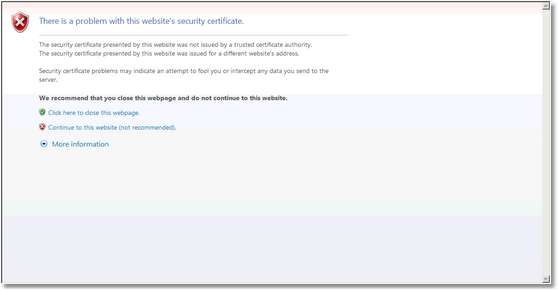
Installing the Enterprise Manager Client - Security Certificate 2.Click Continue to this website.
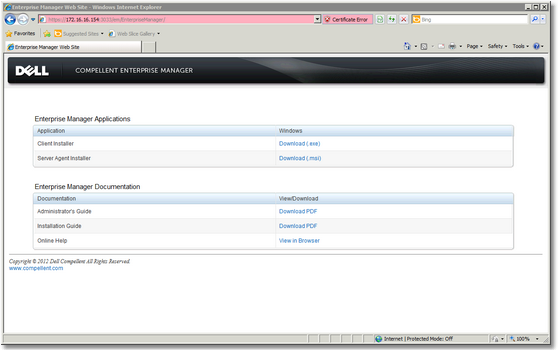
Installing the Enterprise Manager Client - Download 3.Download the Client Installer. 4.When the download is complete, double-click the downloaded file. A Security Warning dialog box appears.
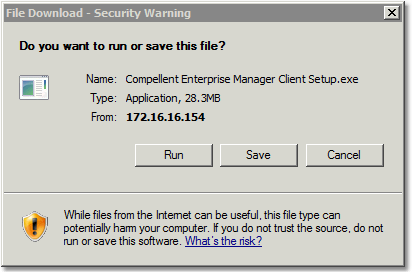
Installing the Enterprise Manager Client - Security Warning 5.Click Run to start the installation.
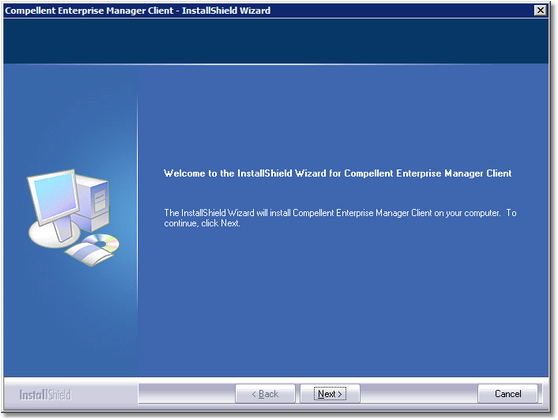
Installing the Enterprise Manager Client - Welcome 6.Click Next.
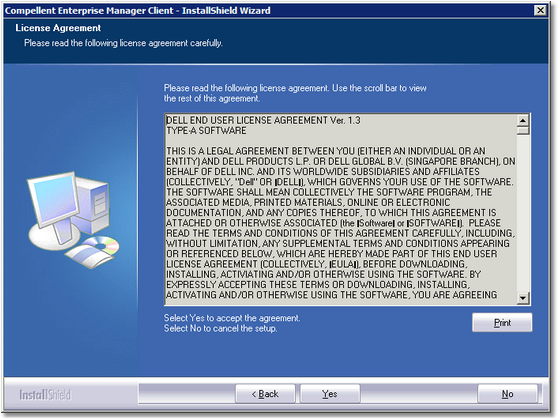
Installing the Enterprise Manager Client - License Agreement 7.Click Yes to accept the license agreement and start the installation.
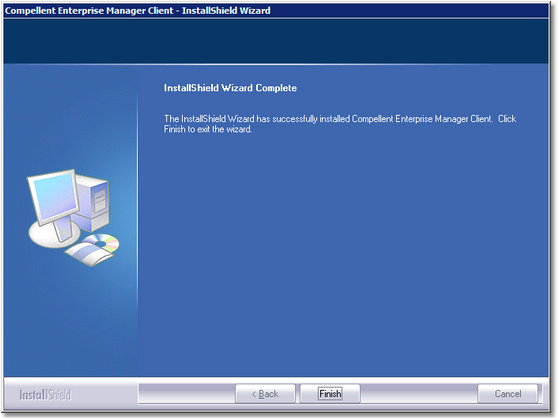
Installing the Enterprise Manager Client - Installation Complete 8.Click Finish. The Enterprise Manager icon appears on the desktop.
|