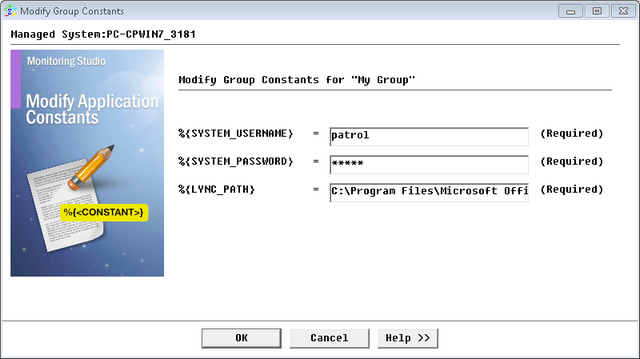
Modifying Group Constants


Modifying Group Constants |
|
|
Group Constants are defined at the Group level and can be reused in the various objects underneath. They facilitate the monitoring across various systems of a technology whose properties may change from one system to another. If you have previously specified Group constants when creating a Group, you will be able to modify them later on. To modify Group Constants
Creating a Group - Group Constants
The new Group Constants will now be taken into consideration by Monitoring Studio.
|