Visualizing Properties


Visualizing Properties |
|
|
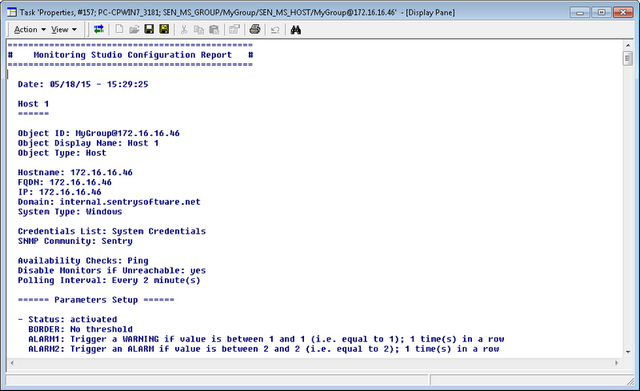
Administrators can use the Properties KM command to display a Configuration Report for the monitored object of their choice at a given instant. This tool can be used to verify the configuration of a monitored object and all its children objects. To visualize properties
A new task window opens and displays the Monitoring Studio Configuration Report.
|