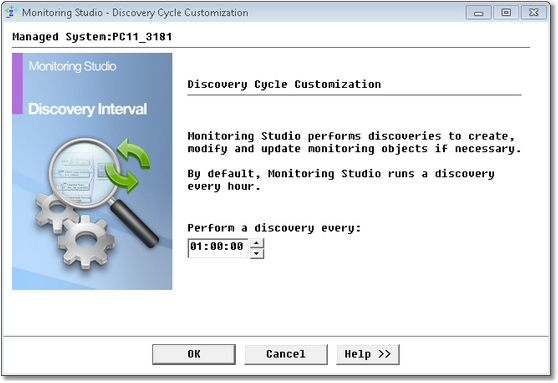
Setting the Discovery Interval


Setting the Discovery Interval |
|
|
By default, Monitoring Studio performs a discovery every hour to create, modify, and update monitored objects, if necessary. However, you can easily change the default discovery interval to meet your specific needs.
Setting Discovery Interval
You can also force a discovery manually by right-clicking on the Monitoring Studio icon > KM Commands > Trigger a KM Discovery.
|