|
The Windows Event Log Reader tool displays all Windows Events registered in a specific event log during the last selected period. It helps to identify the provider, event ID and event level for configuring Windows Event Log Monitors.
To access the Windows Event Log Reader tool
| 1. | Right-click the desired Host icon > KM commands > Tools > Windows Event Log Reader... |
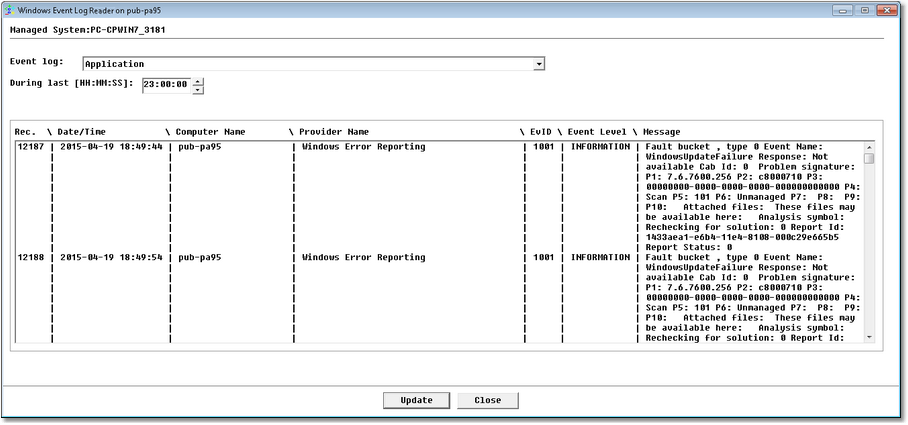
Windows Event log Reader
| 2. | Select the Event log and the time span you wish to view, and click the Update button to refresh the window. This may take a few seconds to retrieve the events from the host. They are displayed in the order they are registered. |
| ▪ | Update to refresh the information displayed. |
| ▪ | Close to quit the Windows Event log Reader tool. |
 The Windows Event Log Reader tool uses the system credentials provided during Host configuration. The Windows Event Log Reader tool uses the system credentials provided during Host configuration.
| 

