Uploading BMC Performance Manager Express for HP EVA
| 1. | Place the SentrySoftware-HPEVA-solution-<version>.par file in a known location on your file system. Log in to the Portal with the admin credentials. |
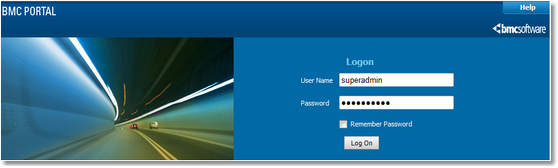
Logon to BMC Portal
| 2. | Click on Portal, then under Tasks click Performance Managers. |
| 3. | Click Upload and then click Browse to open a file selection dialogue box. |
| 4. | Select Sentry Software-HP EVA-solution-<version>.par and click Upload. |
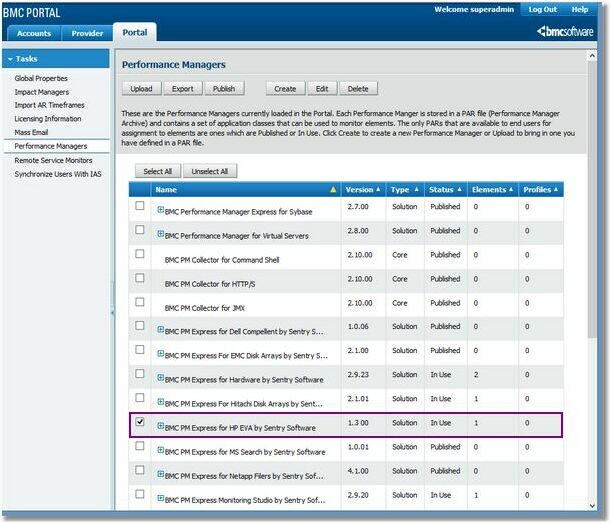
Selecting the Performance Manager
| 5. | The Portal uploads the PAR file to the database, and PM now appears as BMC PM Express for HPEVA by Sentry Software in the list of Performance Managers. |
| 6. | The word Published next to BMC Performance Manager Express for HP EVA in the Performance Manager list indicates that the product is successfully installed. You are now ready to begin using BMC Performance Manager Express for HP EVA. |
| 7. | Connect to Portal with user credentials. In the Portal Configure tab, verify each monitored array's properties and thresholds values to make sure all the necessary settings are properly configured. |
See Also
Setting Thresholds
Enabling the Debug Mode
|


