Specifying Signature Files


Specifying Signature Files |
|
|
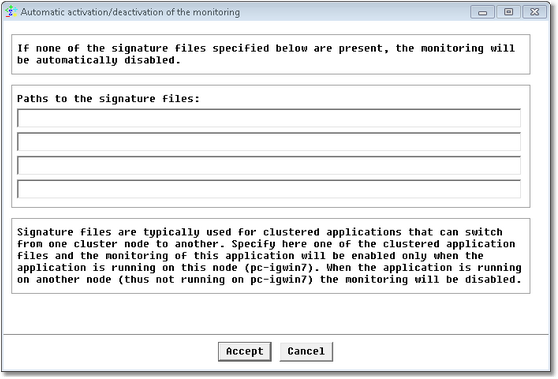
This feature is used to monitor clustered applications. It specifies all the signature files to be searched. If the signature files are:
To set signature files:
New Application/Container Icon Wizard — Advanced Options (Signature File) Page
The application monitoring will only be performed if at least one of the four signature file paths is found. If none of the required files can be found, the application monitoring will be turned offline. Extending Signature Files to Sub-ContainersTo extend signature files to sub-containers, provide the name and full path of all the signature files of the sub-containers to be considered in the MASAI/SENTRY8/<sub-container ID>/existenceFiles variable. The list must be comma-delimited.
|