|
Advanced settings are configured at the application level. They can either be set:
| • | by editing an existing application icon. You will then have to: |
| ▪ | right-click the Application icon > KM Commands > Edit |
| ▪ | make sure the Let me setup advanced options box is checked |
| ▪ | click Next. The following dialog box will appear: |
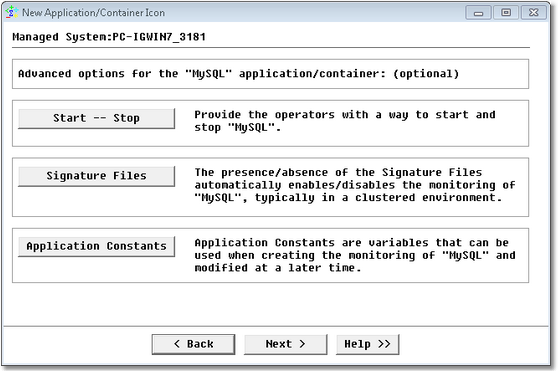
New Application/Container Icon Wizard — Advanced Options Page
You can now:
| • | set command lines to start or stop the application monitoring from a KM command. |
| • | specify signature files. The presence of signatures files indicates that the managed application is currently present on the system and should be monitored |
| • | set application constants. This feature is useful to monitor applications whose properties may change from one system to another. |
| 

