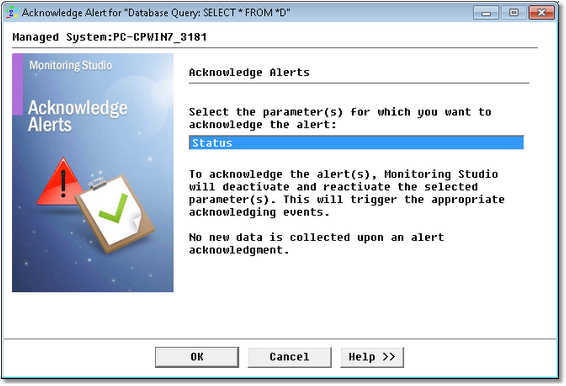
Acknowledge Alerts


Acknowledge Alerts |
|
|
Alert acknowledgment is applicable to all Monitors except for String Search, SNMP Trap and Windows Event instances for which a specific command (Acknowledge all and Reset) can be used to acknowledge all alerts and reset the count parameters.
To acknowledge all alerts for a specific Monitor
Acknowledging Alerts
|