|
The Database Query Monitor executes SQL queries on the most popular database servers currently available on the market (Microsoft SQL, MySQL, Oracle and PostgreSQL) and monitors their return output within your BMC TrueSight Operations Management environment. You can then run string or numeric value searches on the return output to monitor the result in myriad ways.
If the technology you wish to monitor uses a database server, you can test this database by sending applicative queries to the database server, or by testing the content of some critical data tables. As query results are stored by Monitoring Studio in a pipe-separated table format, it is easy to search for strings or numeric values and extract these values from a database query result. Refer to the String Search and Numeric Value Extraction sections for more information.
To perform a database query
| 1. | Access the Monitoring Studio Configuration panel, as explained in the Configure Monitors chapter. |
| 2. | In the Monitors section, click the Database Queries button. |
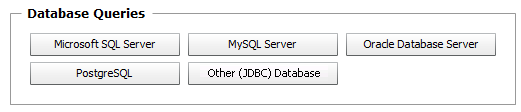
| 3. | The Database Queries panel is displayed to offer you several options. The procedure may differ according to the type of server you wish to query: |
Command Line panel
| 4. | Click the type of database server you wish to query to display its specific configuration panel: |
|


